
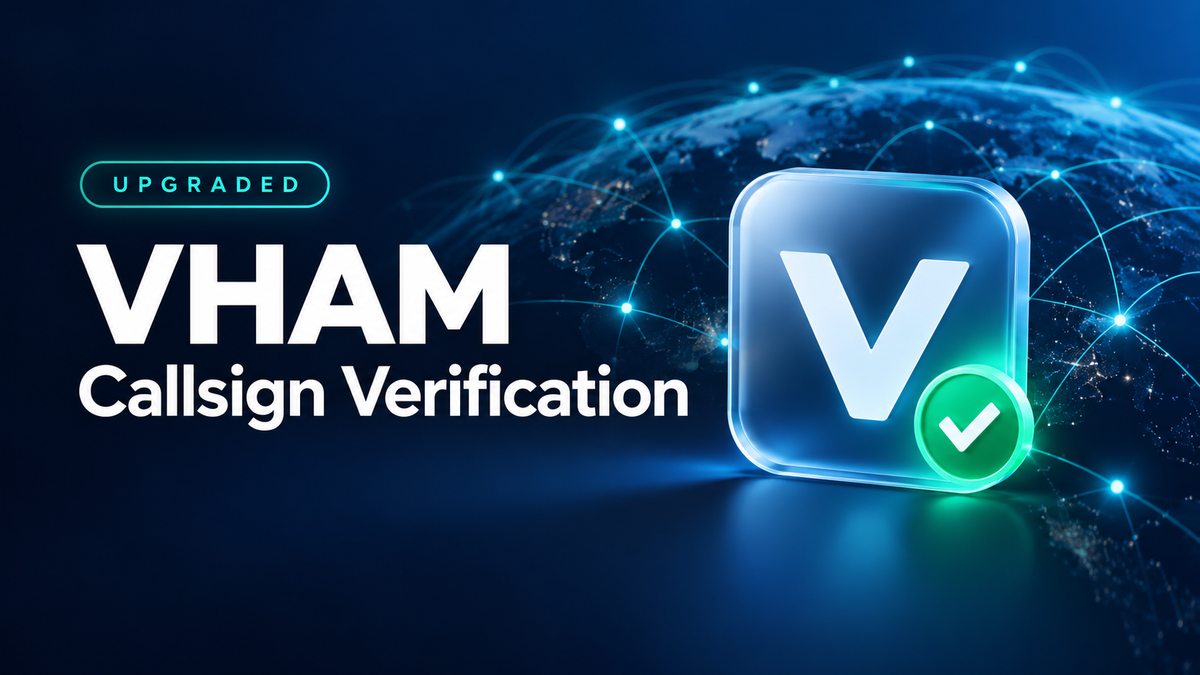
Since its launch in March 2026, VHAM Callsign Verification has helped amateur radio operators identify verified callsigns across the community. The latest verification update adds more ways to display your verified identity and access features for verified users.
Update VHAM to v1.3.6 to use the features described below.
What Is New for Verified Users?
- A visible “V” badge: Your verified callsign is marked with a V icon in transmission and reception displays.
- Link Mode access: Verified users can access Link Mode. Using a radio gateway also requires a suitable gateway setup and a link group number; verification alone does not create that connection.
- A dedicated profile interface: Verified users receive a special user profile view.
- Additional communication permissions: Verification provides access to the communication privileges available to verified accounts.
- Dedicated amateur radio groups: Verified operators can access the VHAM group ID ranges listed below.
| Dedicated VHAM Group ID Range |
|---|
144000–148000 |
430000–450000 |
These numbers identify virtual groups within VHAM. They are not instructions to transmit on physical radio frequencies. Conversations through VHAM continue to depend on a working network connection and access to the platform.
Important Changes to Your Badge and Username
The V badge will gradually stop appearing in older versions, so updating the app is important. Usernames associated with verification submissions will be standardized to the correct callsign, without added nickname text or symbols.
Use the callsign shown on your supporting documentation. Changing a verified callsign can remove the V badge, as explained in the VHAM FAQ.
How to Apply for Callsign Verification
Option A: Start in the VHAM App
- Open Settings > Callsign.
- Select Submit Verification Application.
- Open the application in your browser, or scan the displayed QR code with a camera-equipped phone.
- Complete the official form and upload your amateur radio license or other accepted callsign documentation.
Option B: Apply on the VHAM Website
Visit the official VHAM callsign verification page and complete the application form.
Prepare the Correct Information
- Device Account: Enter the automatically generated login account for your device, rather than its brand, model name or callsign. The form supports adding device accounts.
- Callsign: Enter the callsign that matches your documentation, without a nickname, model name or extra symbols.
- Proof Document: Upload an authority-issued amateur radio operator certificate or callsign authorization document. The current form accepts an image or PDF up to 5 MB.
- Email: An email address can be used to receive the verification result; it is not bound to the device account.
- Verification Code: Complete the code field before submitting.
Document Handling and Review
Applications are reviewed by VHAM volunteers. You may add a watermark to your supporting documents for verification use, while keeping the required information readable. Consult the official FAQ and application form for current document-handling guidance.
Verification is subject to review. The V badge identifies a callsign verified within VHAM; submitting a form does not by itself mean the application has been approved.

Leave a comment
All comments are moderated before being published.
This site is protected by hCaptcha and the hCaptcha Privacy Policy and Terms of Service apply.