
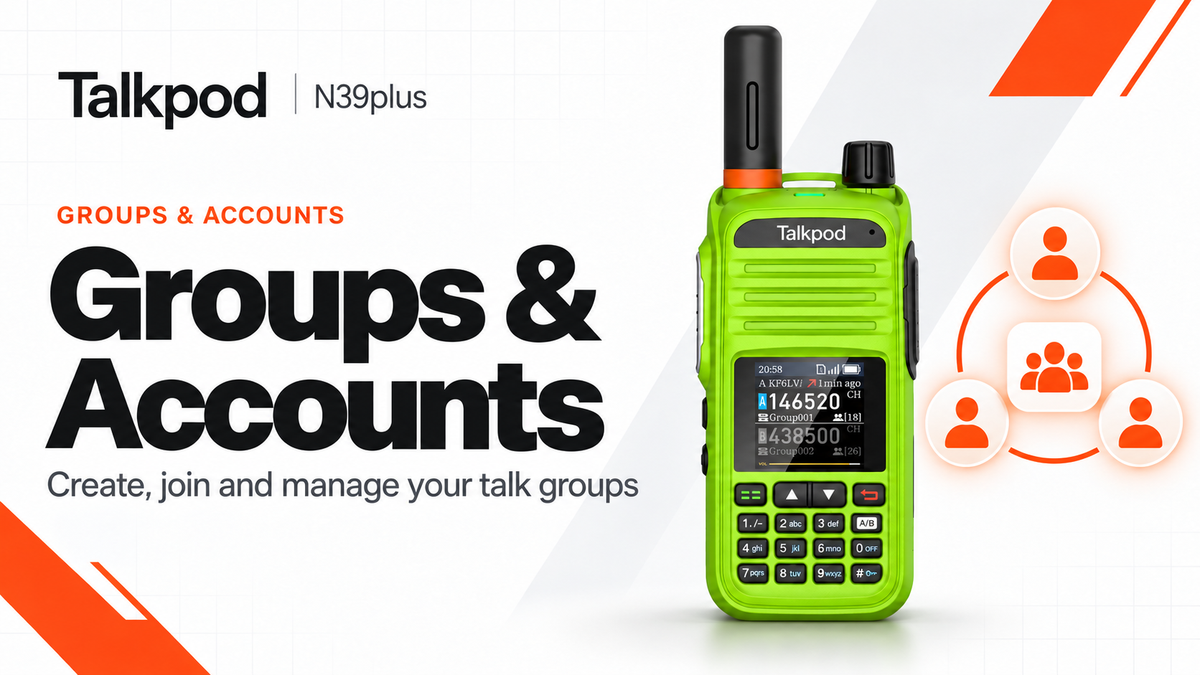
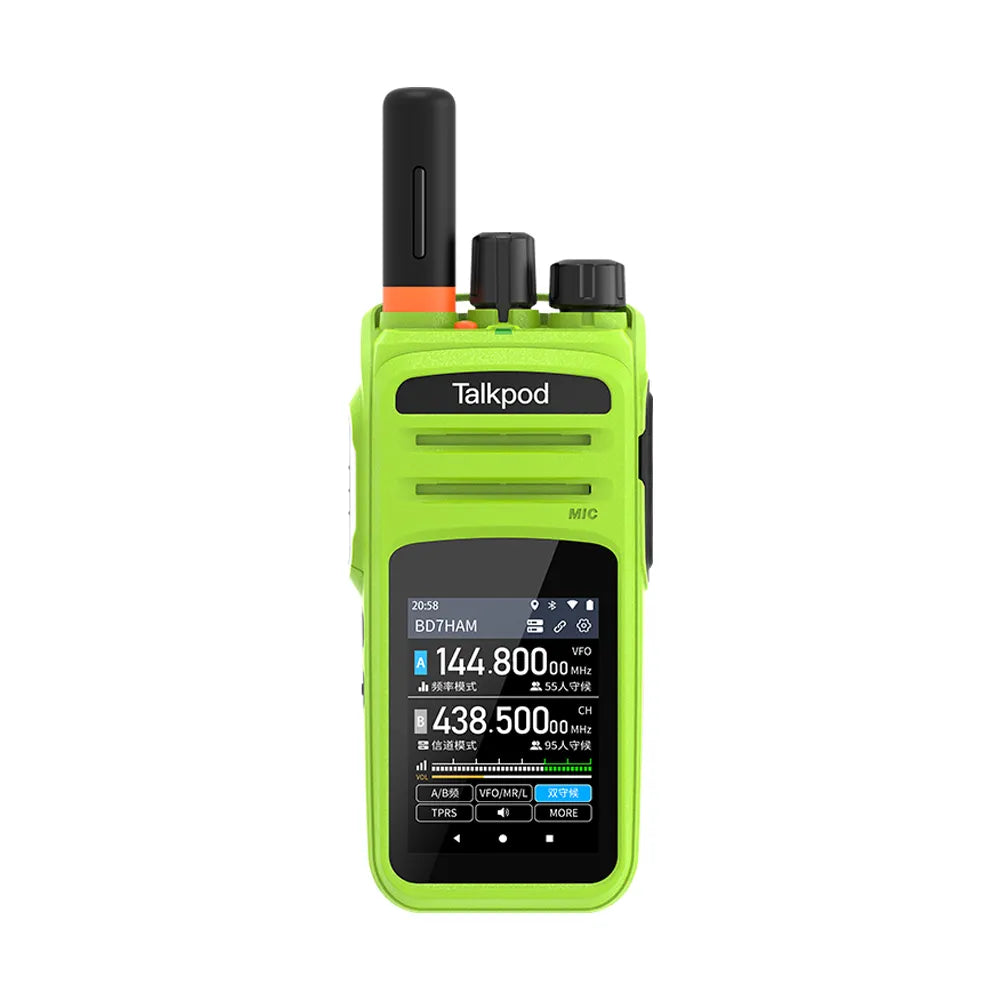
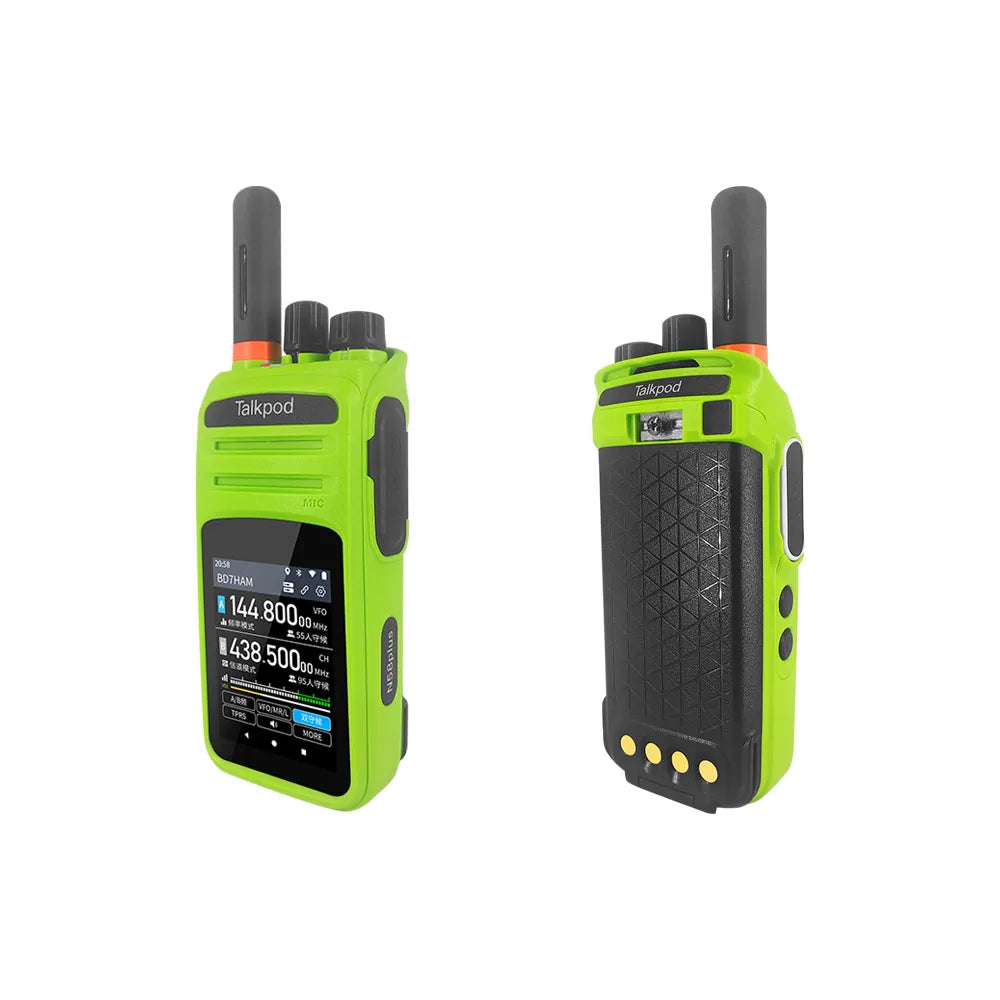
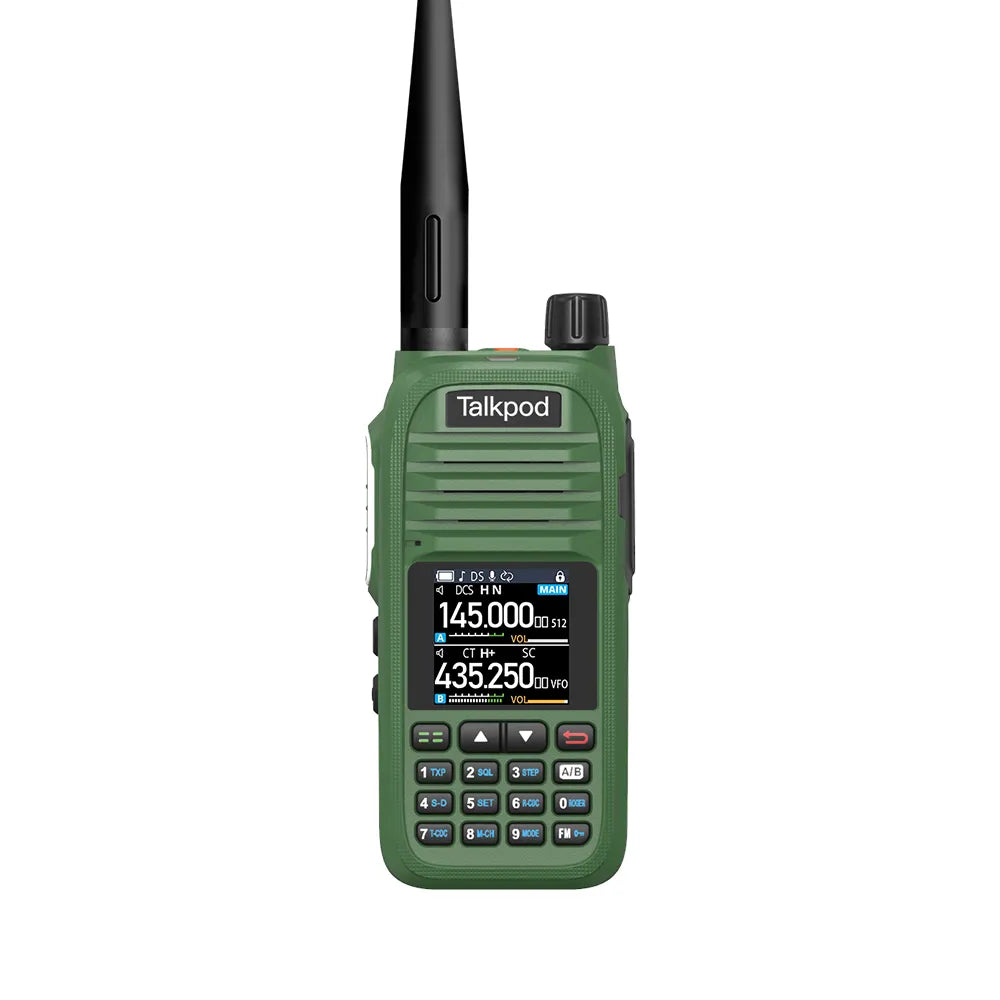
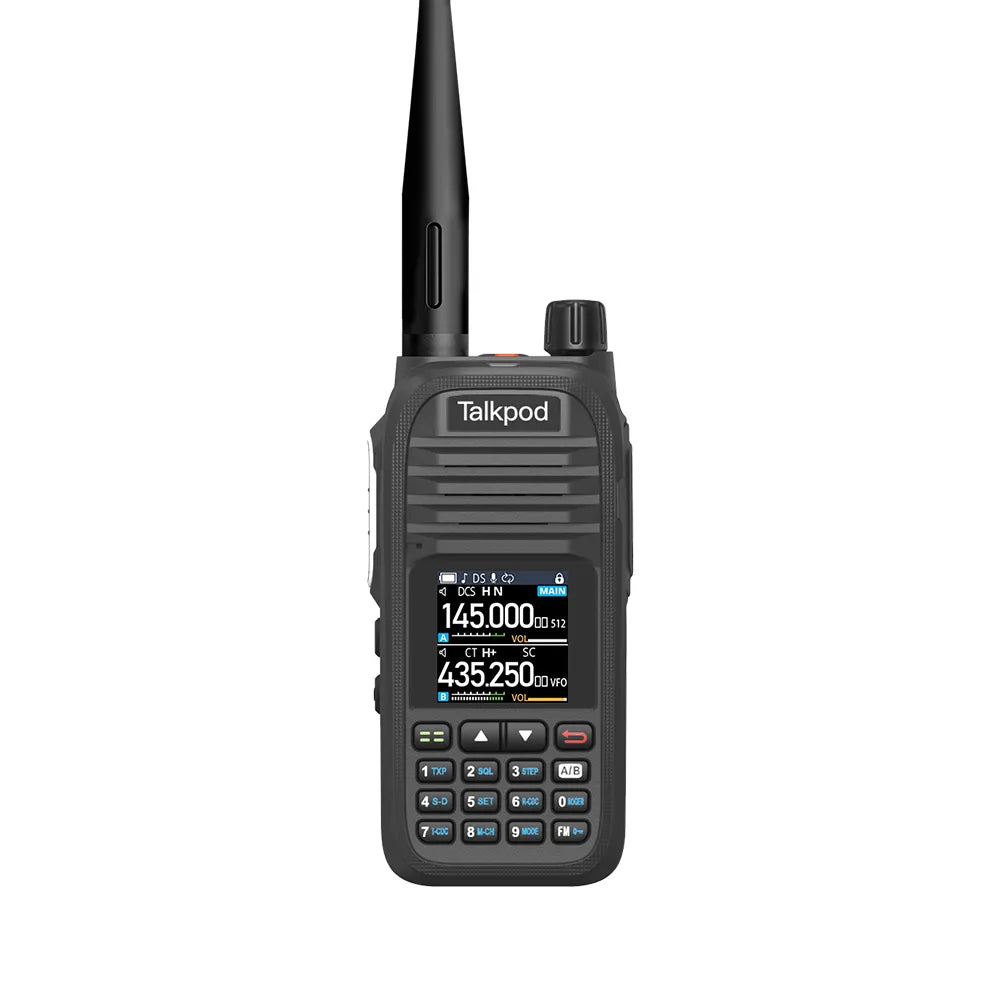
The Talkpod N39plus is designed to make group communication simple and fast.
Unlike many mobile communication platforms, VHAM does not require users to create a traditional account with an email address and password before using the radio. Instead, the device can automatically identify itself through its hardware information and connect directly to the VHAM platform.
In this guide, the Talkpod Team will explain how accounts, call signs, talk groups, and private group access work on the N39plus.
Do I Need to Register an Account Before First Use?
No traditional account registration is required.
The VHAM platform is designed to provide a radio-like communication experience without requiring users to create and manage a conventional username and password.
When the N39plus connects to the network, its device information is used to identify and register the radio automatically.
This includes hardware identifiers such as:
-
IMEI
-
ICCID
These identifiers allow the device to connect to the VHAM platform without requiring the user to remember additional login credentials.
In normal use, you simply power on the radio, allow it to connect to the cellular network, and begin using the available talk groups.
Setting Your Display Name or Call Sign
Although a traditional user account is not required, we recommend setting a recognizable display name or amateur radio call sign.
Your display name or call sign helps other users identify who is speaking in a group.
You may use:
-
Your amateur radio call sign
-
Your name
-
Team name
-
Department name
-
Other recognizable identifier
For example:
K1ABC
You can also use the same call sign or display name across multiple devices.
For example, if you use:
-
N39plus
-
N58plus
-
VHAM smartphone app
you may choose to use K1ABC as the display name on all three devices.
This can provide a more consistent identity when communicating through different VHAM-compatible devices.
How to Create or Join a Talk Group
The VHAM platform uses a simple 6-digit numeric Group ID system.
A Group ID acts as the channel identifier for your communication group.
For example:
123456
To join a group, simply enter the 6-digit number using the N39plus keypad.
There is no separate group approval process or administrator confirmation required.
The system works automatically:
-
If the Group ID already exists, your radio will join that group.
-
If the Group ID is not currently in use, entering it will create the group automatically.
This makes it easy to establish temporary or permanent communication groups whenever needed.
Choosing a Group ID
Any 6-digit combination between:
000000 and 999999
can be used as a Group ID.
For casual communication, almost any number can be used.
However, if you want to reduce the chance of unrelated users entering the same group accidentally, it is better to choose a less predictable number rather than something simple such as:
000000
111111
123456
A more distinctive Group ID can make accidental overlap less likely.
How to Create a More Private Talk Group
For users who want additional separation from other public groups, the N39plus supports an additional 2-digit virtual code.
This code works together with the 6-digit Group ID.
For example:
Group ID: 582731
Virtual Code: 26
Users who want to communicate within that group should use the same Group ID and the same virtual code.
This adds another layer of group separation and helps reduce unwanted access from users who are only using the same 6-digit Group ID.
How the Virtual Code Works
The virtual code operates in a way that may feel familiar to users of traditional two-way radios.
Conceptually, it is similar to how CTCSS or DCS codes are used to separate users sharing the same radio channel.
However, the virtual code should not be considered strong encryption or a substitute for a secure private communications system.
Its main purpose is to provide an additional group-access parameter within the VHAM platform.
What If an Unknown User Joins My Group?
Because VHAM allows users to enter Group IDs directly, it is possible for another user to enter the same group number.
If you notice an unknown or unwanted user in your group, you have several options.
Change the Virtual Code
The quickest solution is to change the 2-digit virtual code and share the new code only with your intended group members.
All members should then update their radios to use the same new code.
Change the Group ID
You can also move the group to a different 6-digit Group ID.
Using a less predictable Group ID can help reduce accidental group overlap.
For example, instead of using:
123456
you could use something less obvious such as:
582731
Share Group Information Carefully
If your group is intended for a limited set of users, avoid publishing the Group ID and virtual code publicly.
Share them only with the people who need access to the group.
Example: Setting Up a Team Group
Suppose four N39plus users want to create a communication group for an event.
They could configure:
Group ID: 582731
Virtual Code: 26
Each radio would use the same settings.
Once all four radios are connected to the VHAM network and have joined the group, they can communicate using the PTT button.
Each user can also assign a different call sign or display name, for example:
K1ABC
N2XYZ
W3HAM
Control
This makes it easier to identify individual speakers during group communication.
Using the Same Group Across Multiple VHAM Devices
One advantage of the VHAM platform is that compatible devices can communicate within the same group environment.
Depending on your setup, users may participate through devices such as:
-
Talkpod N39plus
-
Talkpod N58plus
-
VHAM-compatible smartphone applications
If all users enter the same Group ID and required virtual code, they can participate in the same talk group.
This allows a group to include both dedicated radio users and compatible smartphone users.
Group Management Tips
For smoother communication, we recommend the following:
-
Use a recognizable amateur radio call sign or display name.
-
Choose a less common 6-digit Group ID.
-
Use a virtual code when additional group separation is required.
-
Share group information only with intended participants.
-
Change the Group ID or virtual code if unwanted users appear.
-
Make sure all group members are using matching group settings.
For larger teams, it may also be useful to maintain a simple record of the Group IDs and virtual codes assigned to different departments or activities.
Simple Group Communication Without Traditional Accounts
The N39plus is designed to keep group communication straightforward.
Instead of creating traditional accounts, remembering passwords, or waiting for group approval, users can simply:
Power On → Connect → Enter Group ID → Set Call Sign → Press PTT
This radio-style approach makes it easy to create groups quickly while still providing useful features such as call signs, dual-group access, and optional virtual codes.
For more N39plus setup guides, network troubleshooting, group operation instructions, and VHAM platform information, please visit the Talkpod Support Center.

Leave a comment
All comments are moderated before being published.
This site is protected by hCaptcha and the hCaptcha Privacy Policy and Terms of Service apply.