
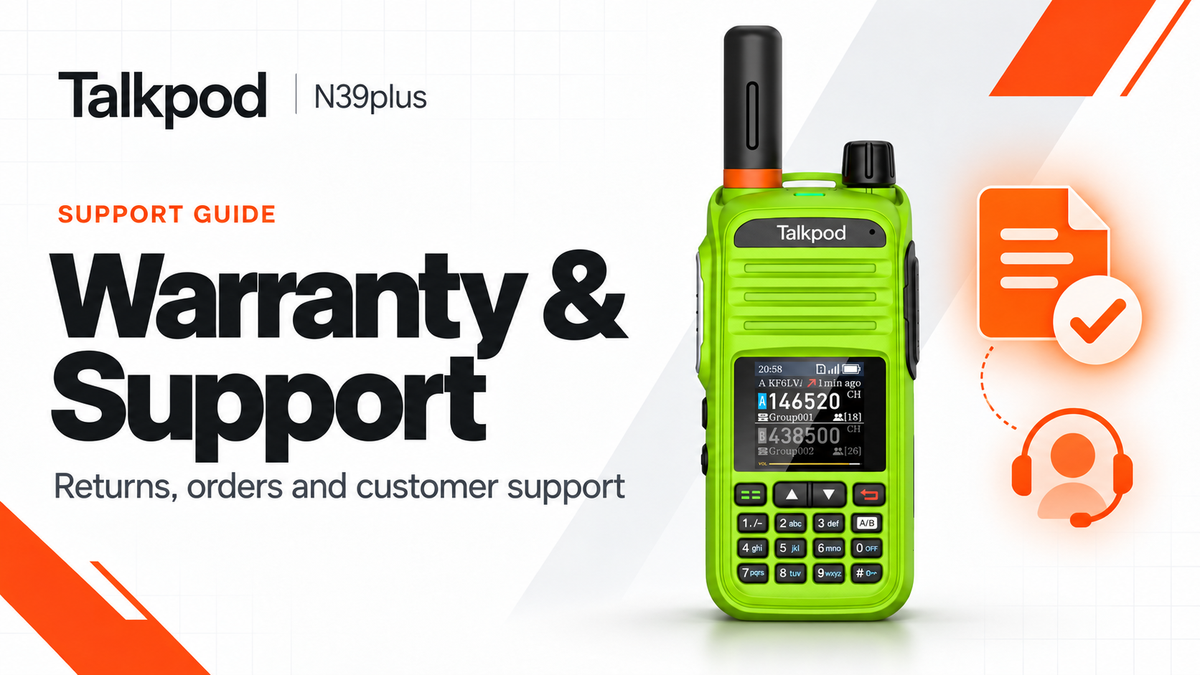
At Talkpod, we are committed to providing reliable communication products and dependable after-sales support.
The Talkpod N39plus is designed for convenient Push-to-Talk over Cellular (PoC) communication. However, if you experience a hardware problem, need to check an order, or wish to request a return or exchange, understanding the available support options can help you resolve the issue more efficiently.
In this guide, the Talkpod Team explains N39plus warranty coverage, return and exchange procedures, order tracking, and how to submit a technical support or warranty claim.
Understanding Your N39plus Warranty
Talkpod provides a limited manufacturer's warranty covering eligible defects in materials and workmanship under normal use.
The warranty period begins on the original purchase date.
Standard Warranty Coverage
| Product Component | Limited Warranty Period |
|---|---|
| N39plus Main Radio | 12 Months |
| Power Adapter / Charger | 12 Months |
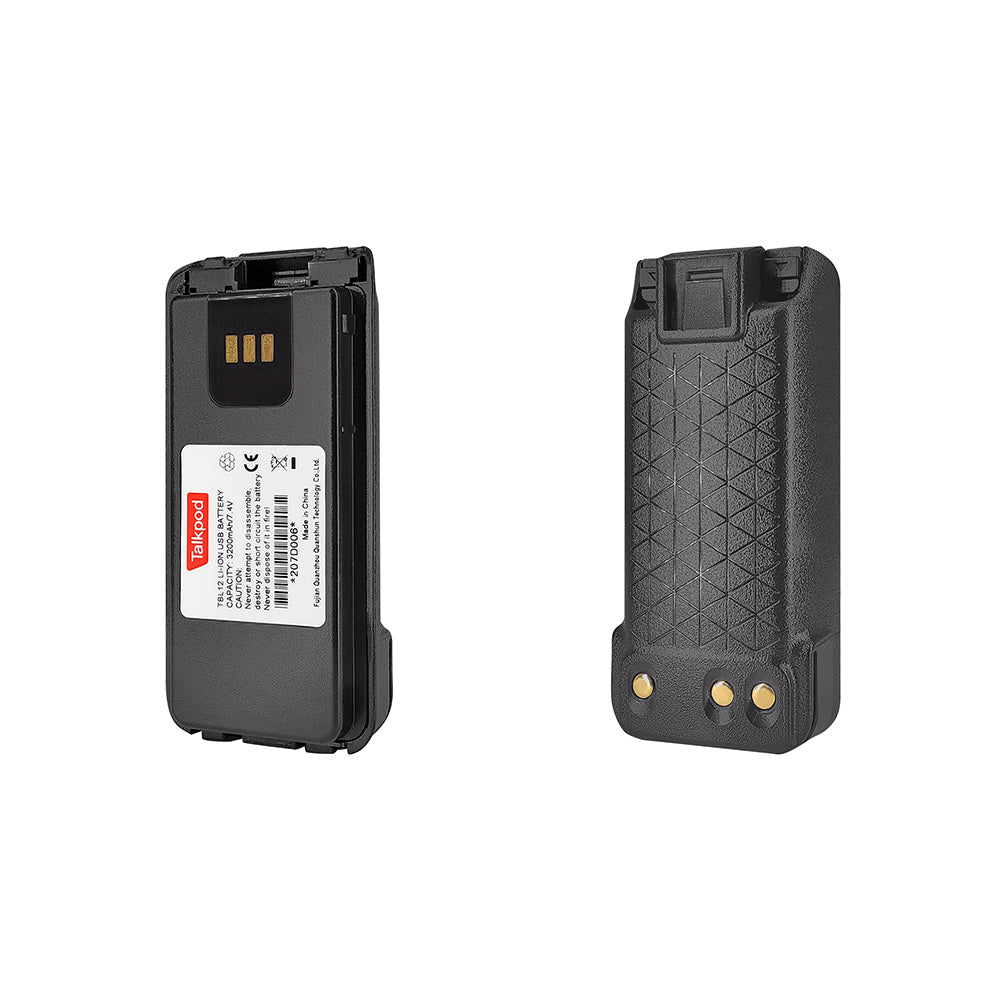
| Battery | 3 Months |
| Antenna | 3 Months |
| Belt Clip | 3 Months |
| Lanyard | 3 Months |
| Eligible Earpieces and Other Accessories | 3 Months |
These are the standard N39plus warranty periods described in this guide. Coverage may vary according to the applicable product warranty, purchase region, and consumer protection laws.
What Does the Limited Warranty Cover?
The manufacturer's limited warranty generally applies to eligible product defects arising during normal use.
Examples may include:
-
Radio hardware failure
-
Manufacturing defects
-
Charging equipment defects
-
Internal component malfunctions
-
Other hardware problems confirmed through technical assessment
Depending on the issue and applicable warranty terms, Talkpod may recommend troubleshooting, repair, or replacement.
What May Not Be Covered?
Standard limited warranties may exclude damage resulting from:
-
Accidental drops or physical impact
-
Improper handling or misuse
-
Unauthorized modification or repair
-
Use of incompatible charging equipment
-
Liquid damage outside the product's specified protection limits
-
Normal wear and tear
-
Other conditions excluded by the applicable warranty terms
Warranty eligibility is assessed according to the cause of the problem, purchase records, and applicable warranty conditions.
Important: Manufacturer warranty coverage does not replace or reduce any consumer rights provided by applicable law.
Manufacturer Warranty vs. Retailer Return Policy
The return policy offered by a retailer and the manufacturer's limited warranty are two different forms of customer protection.
Retailer Return and Exchange Policy
During the retailer's applicable return period, customers can normally request a return, refund, or exchange through the platform where they purchased the product.
For example:
-
Amazon
-
Walmart
-
TikTok Shop
-
Talkpod Online
-
Authorized distributors
The exact return window and conditions depend on the retailer and the applicable consumer protection laws.
Talkpod Manufacturer Warranty
The Talkpod manufacturer's limited warranty covers eligible hardware defects during the stated warranty period, beginning from the original purchase date.
It does not begin only after the retailer's return period expires.
If you experience a product defect after the retailer's return window has closed, Talkpod Support can help determine the appropriate warranty service options.
How to Check Your N39plus Order Status
The process depends on where you originally purchased your radio.
Orders from Amazon, Walmart, TikTok Shop, or Other Retailers
If you purchased your N39plus through a third-party retail platform, check your order through that platform's account dashboard.
You can normally find:
-
Order confirmation
-
Purchase date
-
Shipping status
-
Tracking information
-
Delivery confirmation
-
Return or exchange options
For initial retailer-managed returns or exchanges, follow the instructions provided by the platform.
If you cannot locate the order, contact the retailer's customer service department for assistance.
Orders from the Official Talkpod Store
If you purchased directly from TalkpodOnline.com, you can check your order status through the official website.
-
Visit TalkpodOnline.com.
-
Open your customer account.
-
Locate your order history.
-
Select the relevant N39plus order.
-
Review the order and shipping details.
If you cannot access your account or locate the order, contact Talkpod Support with your order number or purchase email address.
How to Request a Return or Exchange
If you would like to return or exchange your N39plus, first identify the original purchase channel.
Returning a Product Purchased from a Third-Party Retailer
For purchases made through Amazon, Walmart, TikTok Shop, or another retailer, begin with the retailer's return process.
-
Sign in to your retailer account.
-
Open your order history.
-
Find the N39plus purchase.
-
Select the available return or exchange option.
-
Follow the retailer's instructions.
Return windows, eligibility requirements, and refund procedures may vary by platform.
If the retailer's return window has expired and your radio has a possible manufacturing defect, you may contact Talkpod Support for warranty assistance.
Returning a Product Purchased from TalkpodOnline.com
Orders purchased directly through the official Talkpod Online store are governed by the store's published Refund Policy.
The store generally accepts eligible returns requested within 30 days of receiving the product.
For standard returns, the published policy requires the product to be unused, in its original condition, and in its original packaging.
Certain exclusions may apply, including final-sale and customized items. Defective-product claims may require separate assessment under applicable warranty and consumer laws.
How to Begin a Return
-
Locate your Talkpod Online order number.
-
Review the official Refund Policy.
-
Contact the store support team before shipping the product.
-
Provide your order details and reason for return.
-
Follow the return instructions and use the designated return address.
Do not send your radio to an address without first receiving the appropriate return instructions.
Depending on how your order was fulfilled, local return arrangements may be available.
Return shipping costs, eligibility requirements, and refund processing are determined by the published Refund Policy and applicable law.
Official Refund Policy
For store return arrangements, contact:
How to Contact Talkpod Technical Support
If your N39plus experiences a technical problem that cannot be resolved through normal troubleshooting, the Talkpod Support Team can assist you.
There are two main ways to request support.
Option 1: Submit a Support Ticket
Visit:
You can submit a support request describing the issue you are experiencing.
This method is useful for:
-
Hardware troubleshooting
-
Warranty claims
-
Firmware problems
-
SIM activation problems
-
Network connectivity issues
-
VHAM account or group problems
-
Charging and battery issues
-
Audio or PTT malfunctions
Option 2: Contact Support by Email
Send your request directly to:
Include enough information for the support team to identify the product and understand the problem.
What Information Should I Include in My Support Request?
Providing complete information when submitting a support ticket helps reduce unnecessary follow-up questions and allows the technical team to assess the issue more efficiently.
1. Contact Information
Provide your preferred contact details:
-
Full name
-
Email address
-
Phone number or WhatsApp number, if available
Make sure the email address is correct so the support team can contact you.
2. Proof of Purchase
Include:
-
Retailer or purchase platform
-
Date of purchase
-
Order ID or order number
-
Receipt or other proof of purchase, if available
For example:
Retailer: Amazon
Order ID: Your Amazon Order Number
Purchase Date: Date of Purchase
This information helps the team verify the purchase and assess warranty eligibility.
3. Product Information
Include:
Model: Talkpod N39plus
Serial Number (S/N): Your device's serial number
For software or network-related problems, also include the firmware version and SIM ICCID when relevant.
4. Description of the Problem
Explain what happens when you use the radio.
For example:
-
The radio does not power on.
-
The battery drains unusually quickly.
-
The device cannot register with the cellular network.
-
The A/B Group icon stays red.
-
PTT communication does not work.
-
The speaker produces no sound.
-
The radio restarts unexpectedly.
-
The device does not charge normally.
If possible, describe when the problem started and whether it occurs continuously or intermittently.
5. Photos or Videos
Photos and short videos are highly recommended when they can help demonstrate the issue.
Examples include:
-
Error messages on the screen
-
Damaged connectors
-
Charging problems
-
Unexpected device behavior
-
Firmware error messages
-
Hardware defects
Visual information can help the support team assess the problem without requesting multiple additional explanations.
Avoid sharing passwords or unrelated personal information in screenshots or videos.
What Happens After I Submit a Warranty Claim?
Once your support request has been received, the Talkpod team will review the information you provided.
The typical process includes the following stages.
Step 1: Verify Your Purchase
The team reviews your order information, purchase date, and product details.
This helps determine the applicable warranty period and service options.
Step 2: Evaluate the Problem
The technical team reviews your description and any supporting photos or videos.
If necessary, you may be asked to complete additional troubleshooting steps.
Step 3: Determine the Appropriate Solution
Depending on the issue and warranty eligibility, the team may recommend:
-
Troubleshooting instructions
-
Software or firmware assistance
-
Replacement accessories
-
Repair service
-
Product replacement
-
Other appropriate support options
Not every issue requires returning the radio.
Some problems can be resolved through configuration changes, service checks, or replacement accessories.
Step 4: Receive Further Instructions
If a repair or return is required, the support team will provide the next steps.
Always follow the provided instructions before shipping your device.
How Long Does Support Take?
Talkpod aims to provide an initial response or proposed next steps within 7 business days after receiving a support request.
Actual response and resolution times may vary depending on:
-
The nature of the problem
-
Completeness of the information submitted
-
Warranty verification
-
Availability of replacement parts
-
Shipping requirements
-
Additional technical investigation
A response does not necessarily mean that the entire warranty claim will be resolved within the same period.
Providing complete order information and a clear explanation of the issue helps reduce processing delays.
Troubleshooting Before Requesting a Warranty Replacement
Some N39plus problems may be related to network conditions, software settings, SIM service, or accessories rather than a defective radio.
Before requesting a replacement, check whether one of the following guides applies to your issue.
Network and Connection Issues
If your N39plus experiences weak signal, dropped connections, or a persistent red A/B icon, check the cellular network, antenna, and SIM service.
Audio and PTT Problems
If other users cannot hear you, or your radio produces no sound, check the group connection, microphone placement, volume settings, and external audio accessories.
Battery and Charging Problems
If the radio drains quickly, shuts down unexpectedly, or cannot charge normally, check the battery installation, charging equipment, and power settings.
If the battery shows excessive heat, swelling, leakage, or other potentially unsafe behavior, stop using or charging it and contact support.
Firmware and Software Problems
If the radio freezes, restarts unexpectedly, or experiences persistent software errors, record the firmware version and contact Talkpod Support.
Do not install unrelated or incompatible firmware packages as a troubleshooting shortcut.
Frequently Asked Questions
How Long Is the N39plus Warranty?
The standard N39plus warranty described in this guide provides 12 months for the main radio and power adapter/charger, and 3 months for the listed eligible accessories.
Coverage remains subject to the applicable warranty terms and local laws.
Does the Warranty Begin After the Retailer's 30-Day Return Period?
No.
The manufacturer's limited warranty period begins from the original purchase date.
The retailer return period and manufacturer warranty are separate.
Can I Return an Amazon Order Directly to Talkpod?
For standard retailer returns, you should normally use Amazon's return process.
For hardware problems covered by the manufacturer's warranty, Talkpod Support can help assess the available service options.
Can I Return a Product Purchased from TalkpodOnline.com?
Eligible orders can be returned under the official store's published Refund Policy.
The standard return window is 30 days from receipt, subject to the applicable conditions.
What If My Retailer's Return Period Has Expired?
If the N39plus develops a possible hardware defect during its applicable manufacturer's warranty period, contact Talkpod Support for assistance.
Do I Need My Original Order Number?
Your Order ID or proof of purchase is important for verifying warranty eligibility.
If you cannot locate it, contact the original retailer or check your purchase confirmation email.
Do I Need to Return the Radio Immediately?
No.
Contact Talkpod Support first.
The team may be able to resolve the issue remotely or provide instructions for additional testing.
What If My Radio Is Outside the Warranty Period?
You can still contact Talkpod Support.
The team may be able to provide troubleshooting advice, replacement accessory information, or other available service options.
How Do I Contact Talkpod Support?
Visit:
Or email:
We're Here to Help
Whether you need assistance with an N39plus order, a hardware problem, a return request, or a warranty claim, the Talkpod Support Team is available to help identify the appropriate next steps.
For the most efficient service, remember to provide:
Order ID → Product Model → Serial Number → Problem Description → Photos or Video
Keeping your purchase information available and contacting the appropriate support channel can help reduce delays.
For further information about N39plus troubleshooting, firmware updates, SIM activation, network connectivity, and VHAM operation, please visit the Talkpod Support Center.


Leave a comment
All comments are moderated before being published.
This site is protected by hCaptcha and the hCaptcha Privacy Policy and Terms of Service apply.