

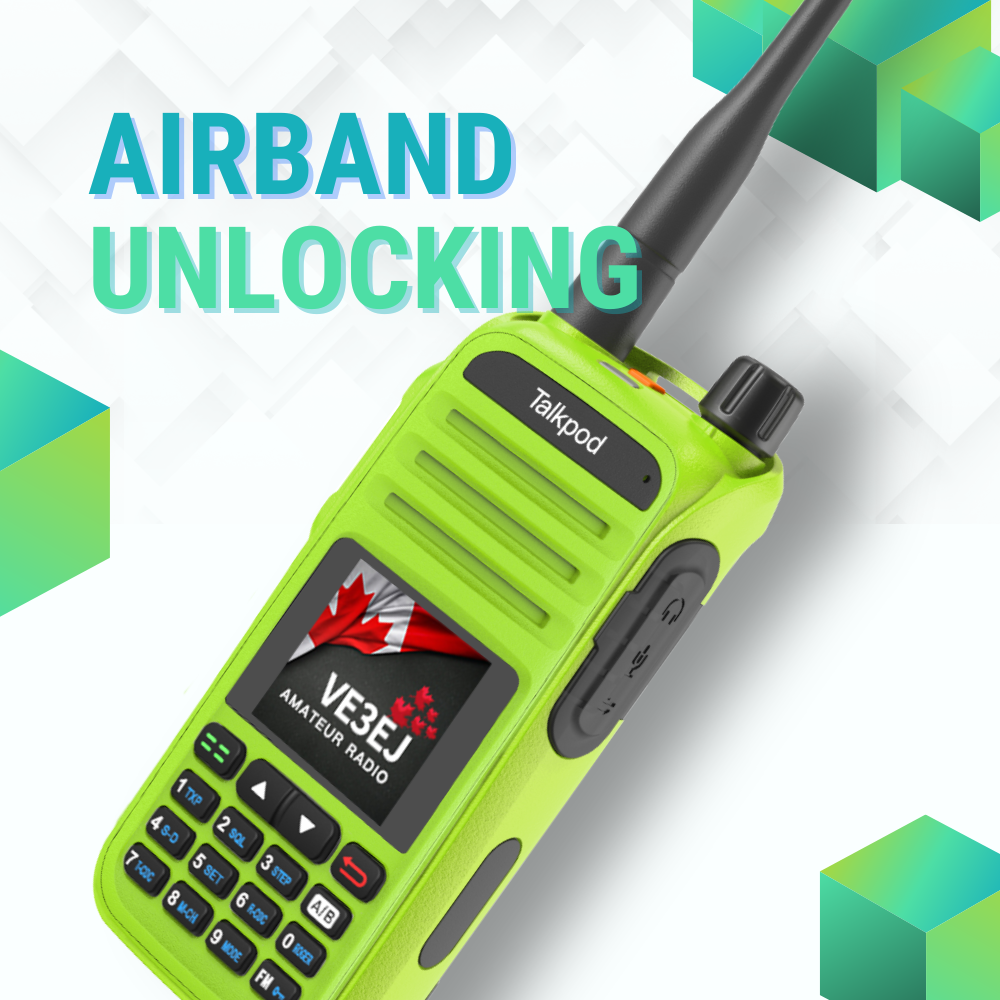
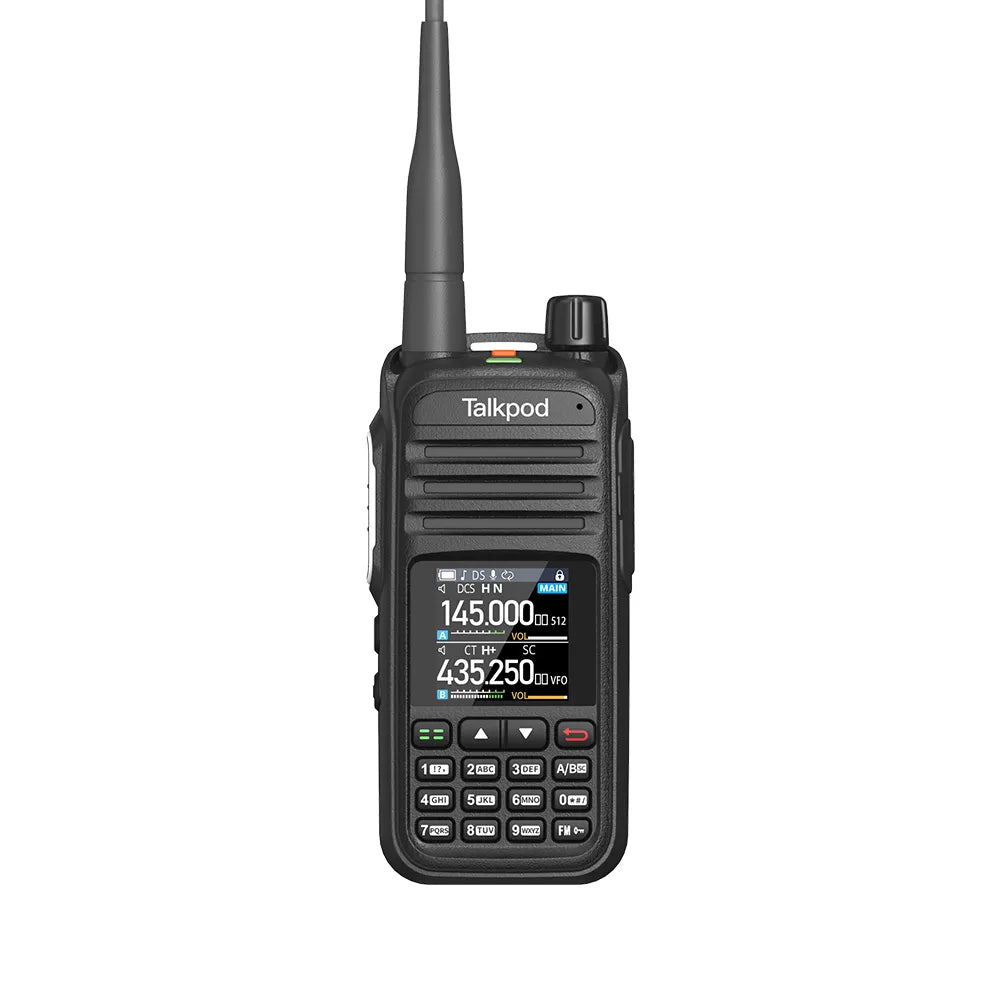
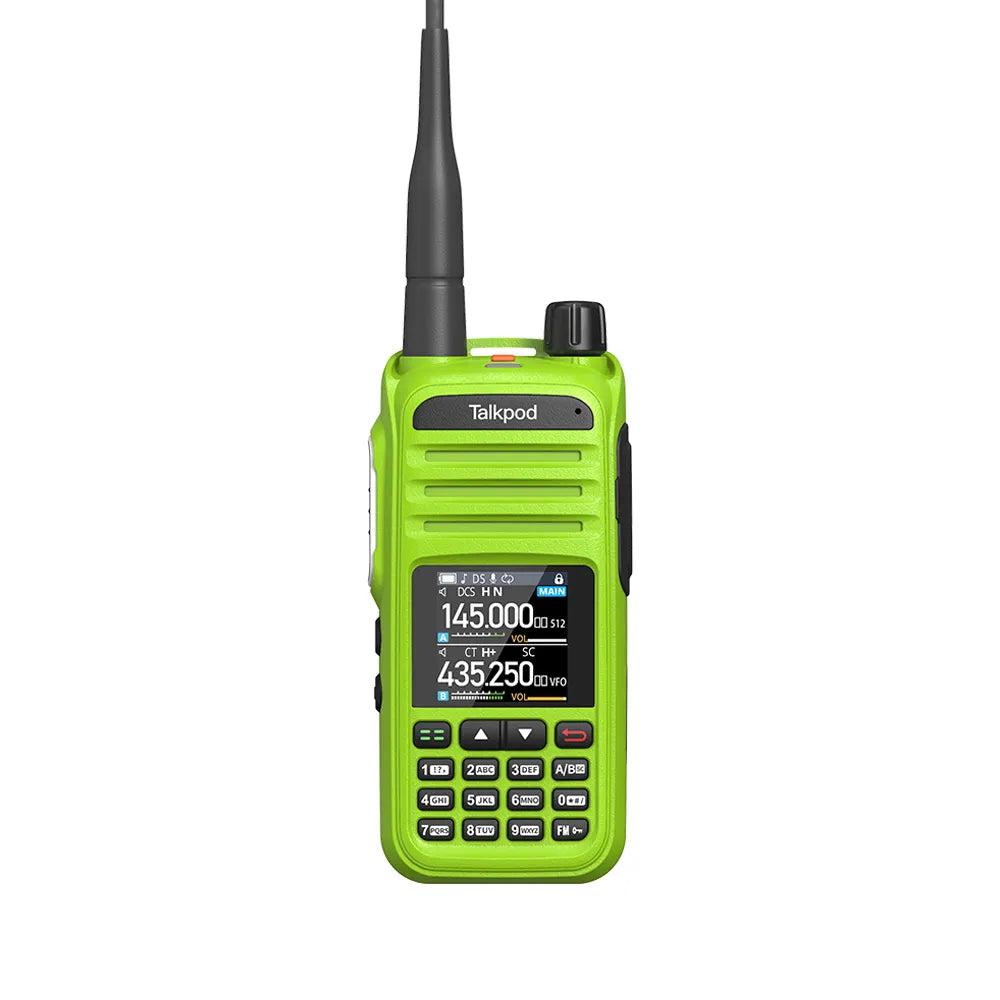
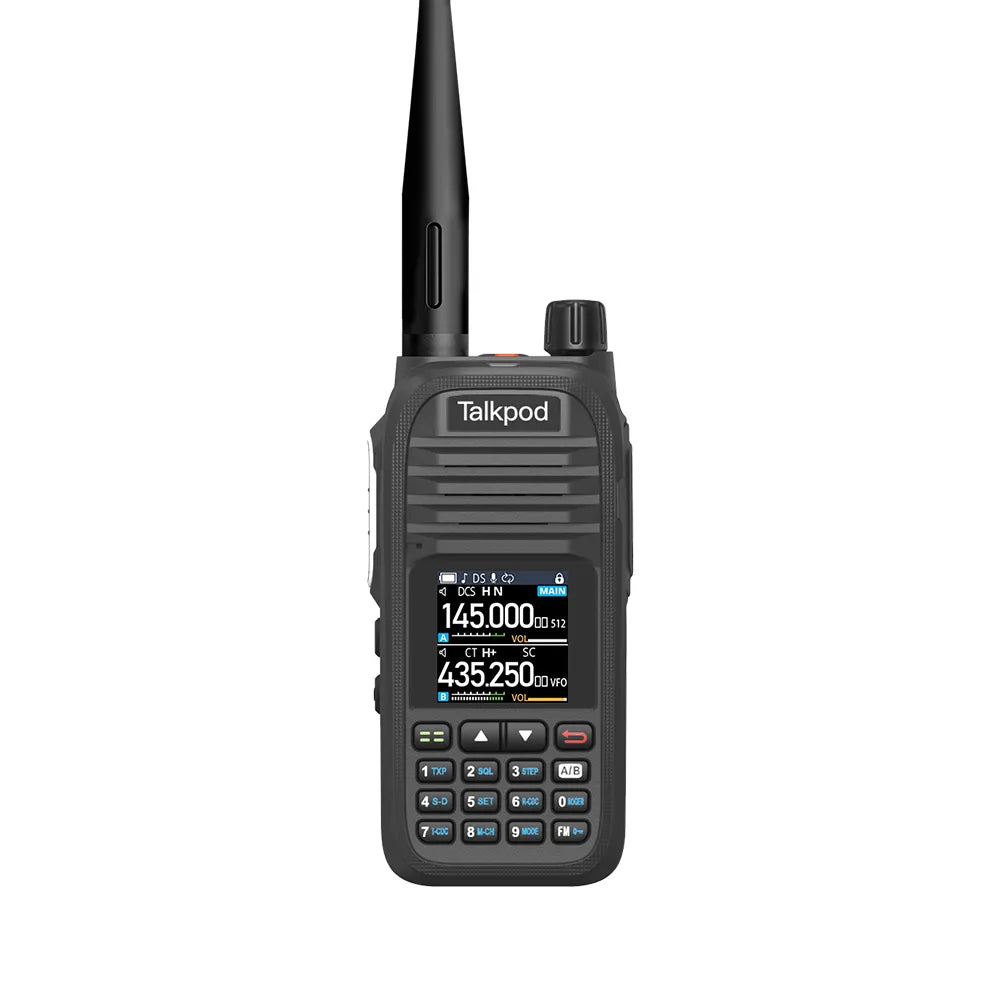
Airband monitoring is one of the most useful receive functions available on the Talkpod A36. With support for AM airband reception, the radio allows users to monitor aviation communications such as aircraft transmissions, air traffic control, airport information, and aviation weather broadcasts.
For radio enthusiasts, aviation monitoring provides an interesting way to better understand local air traffic activity and become familiar with common aviation communication procedures.
Monitoring Airband Frequencies
In areas close to airports or active flight routes, users may be able to receive a variety of aviation transmissions depending on their location, antenna conditions, terrain, and distance from the transmitting station or aircraft.
For example, frequencies around Bristol Airport may carry aviation weather information, airport services, or communications between aircraft and air traffic control.
Because aircraft often transmit from high altitude, their signals can sometimes be received over relatively long distances due to favorable line-of-sight conditions.
How to Listen to Airband Frequencies on the Talkpod A36
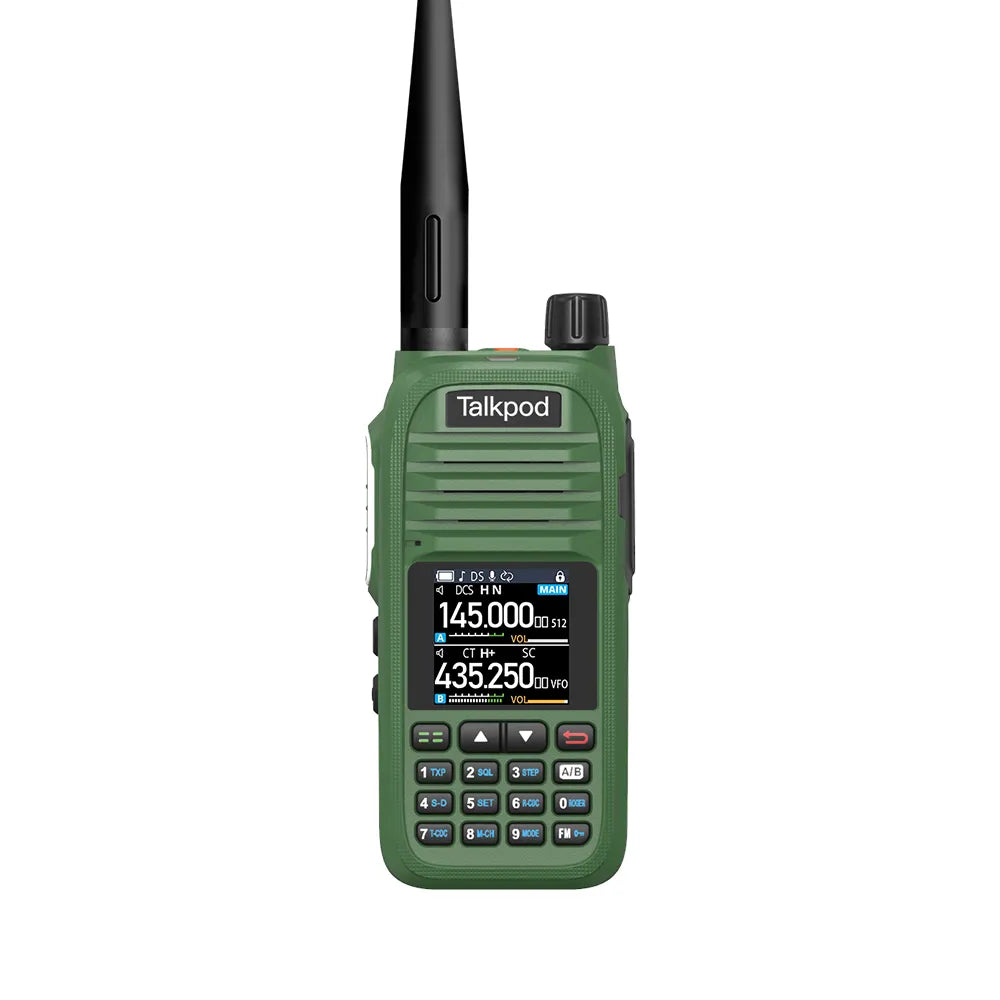
Step 1: Switch to VFO Mode
First, switch the radio from Channel Mode to VFO/Frequency Mode.
Use the A/B key to select the desired VFO line.
VFO mode allows you to enter a frequency directly using the keypad instead of selecting a previously programmed memory channel.
Step 2: Enter an Airband Frequency
Use the keypad to enter the aviation frequency you want to monitor.
For example:
125.000 MHz
When an airband frequency is entered, the Talkpod A36 will automatically use AM reception for that frequency.
Civil aviation voice communications normally use AM modulation, so no additional mode adjustment is required.
Step 3: Check CTCSS and DCS Settings
For normal airband monitoring, make sure unnecessary CTCSS or DCS receive tones are disabled.
Aviation voice communications generally do not use the same CTCSS or DCS tone systems commonly found on amateur, GMRS, or commercial two-way radio channels.
If an unnecessary receive tone is enabled, you may not hear incoming aviation traffic correctly.
Step 4: Start Monitoring
Once the correct frequency has been entered, you can begin monitoring available transmissions.
Depending on your location, you may hear communications related to:
- Air traffic control
- Aircraft arrivals and departures
- Airport ground operations
- Aviation weather information
- Airport information services
- Pilots communicating with controllers
Reception quality will vary depending on factors such as antenna performance, surrounding buildings, terrain, aircraft altitude, and distance from the airport.
How to Find Local Airband Frequencies
Airband frequency assignments vary by airport and region.
To find frequencies in your area, search for the published aviation frequencies used by your local airport.
Useful search terms include:
"[Airport Name] airband frequencies"
or
"[Airport Name] ATC frequencies"
Depending on the airport, you may find separate frequencies for services such as:
- Tower
- Approach
- Departure
- Ground
- ATIS
- Clearance Delivery
Because frequency assignments may change, we recommend checking an up-to-date and reliable aviation frequency source.
Understanding Aviation Communications
Airband communications can initially be difficult to understand because pilots and controllers use standardized terminology, call signs, numbers, and abbreviated instructions.
Common terms you may hear include:
- Climb
- Descend
- Heading
- Runway
- Approach
- Tower
- Ground
- Hold Short
- Cleared to Land
- Cleared for Takeoff
With regular listening, users can gradually become more familiar with the structure and terminology used in aviation radio communications.
Important Safety and Legal Notice
The airband monitoring function of the Talkpod A36 is intended for receive-only use.
Do not transmit on aviation frequencies unless you are specifically authorized to do so and are using approved aviation radio equipment in accordance with applicable regulations.
Unauthorized transmissions on aviation frequencies may interfere with critical aircraft communications and may violate local laws and regulations.
Regulations regarding the reception, recording, or sharing of radio communications may also vary by country or region. Users should always follow the applicable local regulations.
Explore More with the Talkpod A36plus Series
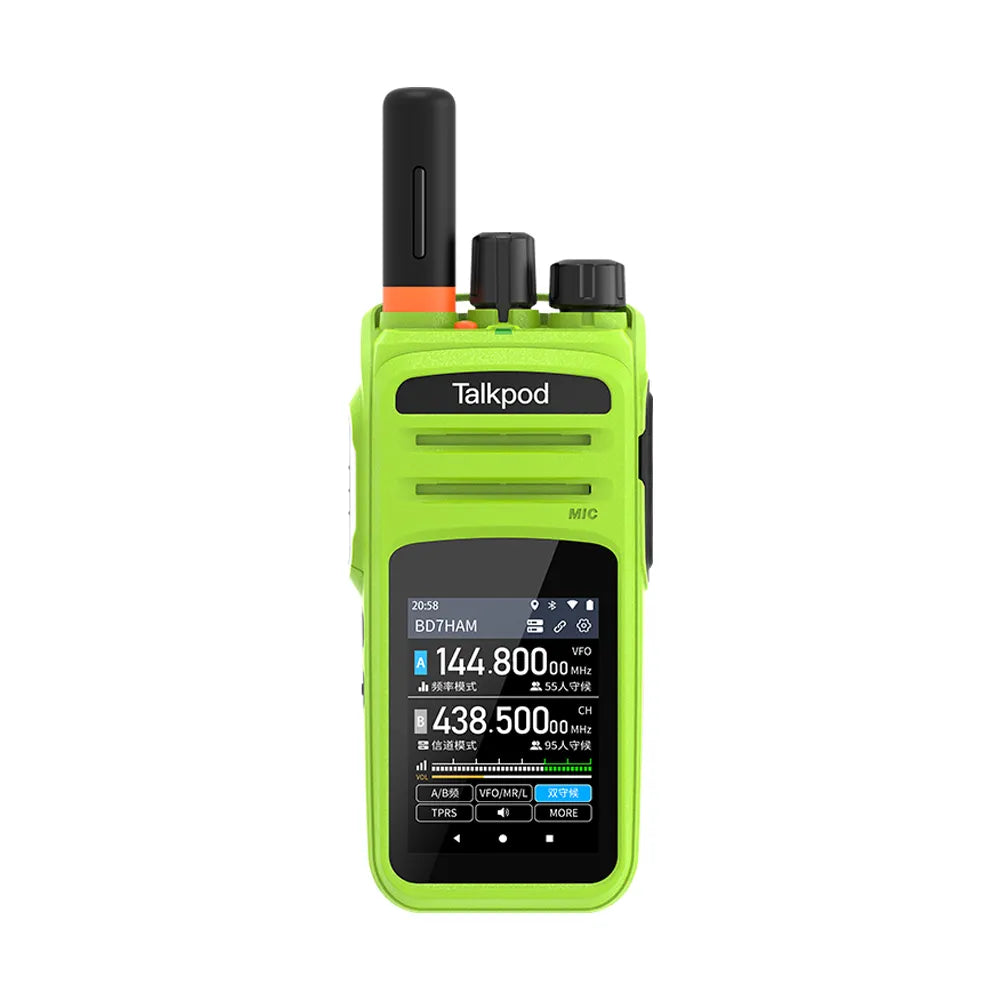
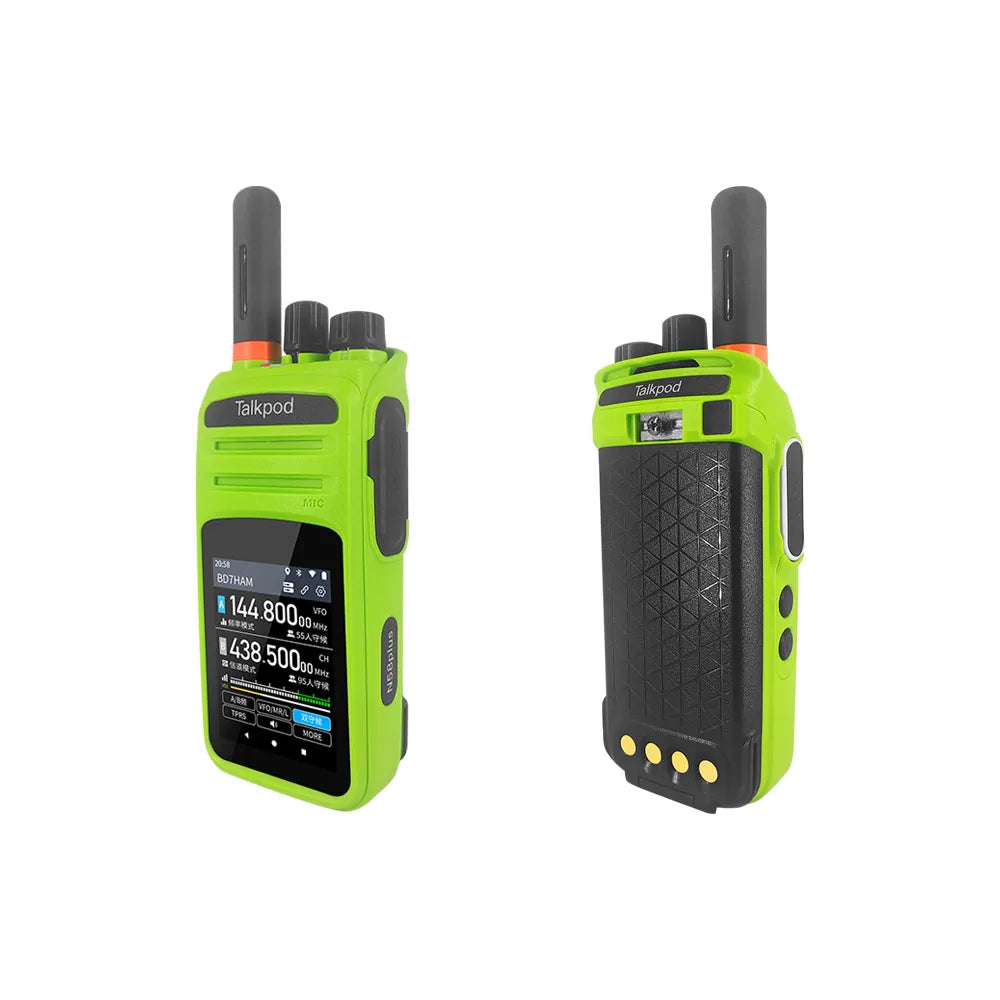
The Talkpod A36 is designed not only for two-way communication but also for monitoring a variety of radio services.
Airband reception allows users to explore another part of the radio spectrum and better understand the communications taking place between aircraft, airports, and air traffic control services.
For users living near airports, flight routes, or areas with regular aviation activity, airband monitoring can be a practical and interesting addition to everyday radio use.
For more product guides, operating tips, and firmware information, please continue to follow the Talkpod Support Center.
Talkpod Team


1 comment
John
I have a serious question. My countries main Air band frequancy is 136.050… and my Talkpod doesn’t stay in AM mode. How can I force my Talkpod to switch to AM mode, since I need it so much?
Leave a comment
All comments are moderated before being published.
This site is protected by hCaptcha and the hCaptcha Privacy Policy and Terms of Service apply.